



GGPoker
 Telegram
GGPoker Mobile App Download For iOS, Android And PC
GGPoker offers an official app for Windows, Mac, Android, and iOS, making it easy to enjoy poker anytime, anywhere. The GGPoker mobile app provides access to all major game formats, including cash games, tournaments, Rush & Cash, and Spin & Gold. Whether you’re a casual player or a poker enthusiast, the app ensures a seamless gaming experience. In this article, we’ll guide you through the GGPoker download process for iOS and Android and explore the app’s features for real-money games and more. Download the GGPoker mobile app today and join the action on GG Poker!
GGPoker App For Android
The GGPoker app for Android offers a seamless poker experience directly on your Android phone. To install, ensure your device meets the following requirements:
- Android OS: 7.0 (10.0 or higher recommended);
- RAM: 2 GB (3 GB or greater recommended);
- Free Disk Space: 500 MB (1 GB or greater recommended).
Once installed, the app provides smooth gameplay, intuitive navigation, and access to all GGPoker features. Whether you’re a casual player or a pro, the GGPoker app ensures you never miss a hand. Download it today and enjoy poker on the go!
Download and install GGPoker app for Android
Follow these simple steps to download the GGPoker app and start playing on your smartphone:
Open the GGPoker website on your Android phone.

Tap the red “Download” button to get the GGPoker installation file.

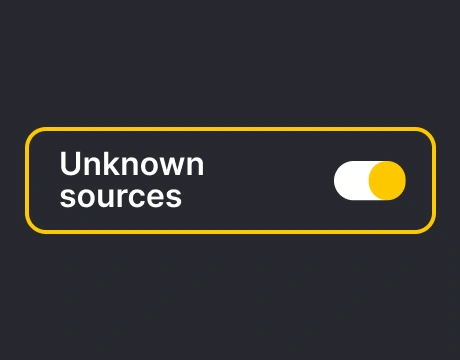
The GGPoker APK file will start downloading. Ensure your phone allows installations from unknown sources (you can enable this in your settings).
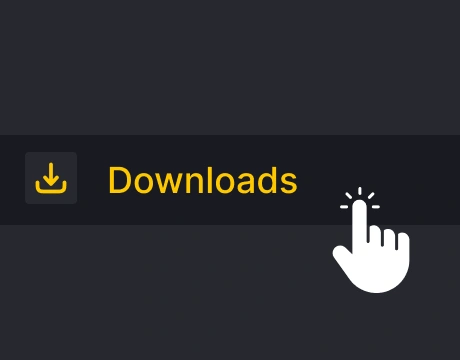
Go to your “Downloads” folder and find the GGPoker installation file.
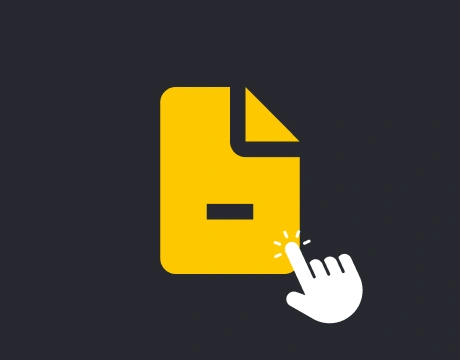
Tap the APK file to begin the installation process. Follow the on-screen prompts to complete it.
Open the app, enter your username and password, and start enjoying poker on your smartphone.
Android users can now experience smooth gameplay and exciting features with the GGPoker app.
GGPoker App For iOS
The GGPoker app on iOS delivers a premium poker experience for iPhone and iPad users. Whether you’re using an iPhone or iPad, the app is designed for smooth performance and easy navigation.
You can download GGPoker directly from the App Store, but availability may vary by region. If the app isn’t listed in your App Store, simply visit the official GGPoker website to download GGPoker and follow the installation instructions.
System Requirements:
- iOS Version: 15.x or higher;
- RAM: 3 GB or greater recommended;
- Free Disk Space: 500 MB (1 GB or greater recommended).
With the GGPoker app, iPad and iPhone users can enjoy poker anytime, anywhere. Install it today and join the action!
Download and install GGPoker app for iOS
If the GGPoker app is not available in your country’s App Store, you can use the following instructions to download and install it manually.
Visit the GGPoker website, click the “Sign Up” button, select your country of residence, and register.

After registration, click the “Download” button to proceed.
You’ll receive an email with download instructions sent to your email address. If you don’t see it, check your “Spam” folder.

In the email, find the link for iOS devices and click it to start the GGPoker app download.
Go to “Settings > General > VPN & Device Management,” select “NSUS Ltd,” and tap “Trust NSUS Ltd.”
Open the app on your iOS device, log in with your credentials, and start playing.
With these steps, your iOS device will be ready for a seamless poker experience!
Playing Real Money On The GGPoker App
The GGPoker app offers an exciting platform for real money poker, making online poker accessible to both experienced players and new players. Playing on GGPoker is simple and secure, as it features a user-friendly interface and a variety of games to suit all skill levels. Before diving into the action, you’ll need to set up your account, make a deposit, and explore the available payment methods.
Account setup and deposits
To start playing, you’ll first need to register your account. Creating a free account is quick and easy. Visit the official GGPoker website or app, click “Sign Up,” and follow the prompts to create your account. Don’t forget to customize your avatar to stand out at the tables.
Once your account is ready, you can deposit funds for real-money games. Log into your account, open the Cashier, and select Deposit. Choose your preferred payment method, enter the deposit amount, and confirm the transaction. GGPoker also offers a generous welcome bonus for new players, giving you extra value on your first deposit. Keep in mind that identity verification is required for security purposes, and you can manage deposit limits and responsible gaming controls directly in the Cashier.
Withdrawals and payment methods
GGPoker’s app makes withdrawing your winnings and managing payments simple and secure. Whether you’re using Android or iOS, the app supports all major payment methods available on the desktop version.
To withdraw funds, log into your account, open the Cashier, and select Withdraw. Choose your preferred payment method, enter the amount, and confirm the transaction. Processing times may vary depending on your selected method.
Here’s a quick overview of some of the supported payment methods:
| Method | Min Deposit | Min Withdrawal |
|---|---|---|
| Visa / Mastercard | $10 | $20 |
| Skrill / Neteller | $5 | $20 |
| LuxonPay | $10 | $20 |
| MuchBetter | $5 | $20 |
| pay4fun | $5 | $20 |
| AstroPay | $5 | $20 |
| Crypto | $10-$50 depending on network | $50-$100 depending on network |
Enjoy fast and flexible transactions wherever you play!
GGPoker Mobile Game Selection
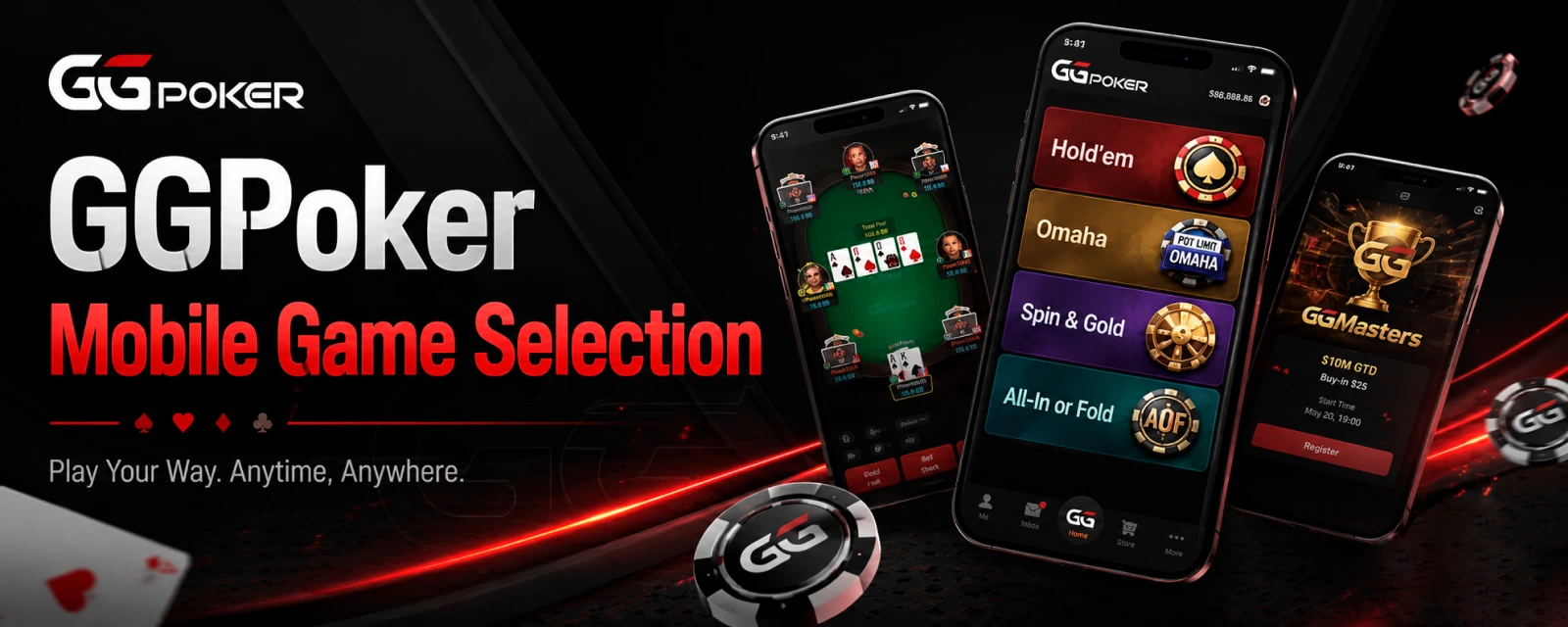
GGPoker stands out among online poker rooms and online poker sites by offering a diverse range of games tailored for poker players of all levels. Whether you’re a fan of cash games, fast-paced formats, or thrilling tournaments, there’s something for everyone. Accessible on any mobile device, the GGPoker app ensures you can enjoy your favorite poker variants anytime, anywhere.
Cash games, Rush & Cash and Spin & Gold
GGPoker offers exciting formats for every poker enthusiast, including NLHE and PLO cash games, Rush & Cash, and Spin & Gold. These formats are available on mobile, ensuring you can enjoy them anytime, anywhere.
- Cash Games: These classic real-money games cater to all bankrolls, with various limits and quick table access. Whether you prefer NLHE or PLO, you’ll find plenty of action.
- Rush & Cash: Perfect for players who love speed, this fast-fold format moves you to a new table with fresh opponents immediately after you fold. It’s a signature GGPoker experience designed for non-stop action.
- Spin & Gold: These hyper-turbo sit-and-go tournaments are short and thrilling. Before the game starts, a random multiplier determines the prize pool, adding an extra layer of excitement.
Tournaments and other poker variants
GGPoker offers a wide variety of poker tournaments and formats to suit every player’s style. From multi-table tournaments with massive guaranteed prize pools to fast-paced turbo events, there’s always something exciting happening.
New players can start with freerolls, which are free-entry tournaments offering real-money prizes. For more experienced players, options like Progressive Bounty, Freezeout, and Rebuy tournaments provide thrilling challenges. Multi-table tournaments are perfect for those seeking large-scale competition, while satellites offer a chance to qualify for high-stakes events at a fraction of the cost.
GGPoker also features unique formats like N-Stack and Shootout tournaments, ensuring there’s always a fresh way to enjoy the game. Whether you’re a casual player or a seasoned pro, GGPoker’s tournament selection has something for everyone.
Key Mobile Features
GGPoker has become a leader in mobile poker by offering innovative features that enhance gameplay and meet the highest quality and security standards. With tools like Smart HUD and PokerCraft, players can analyze their performance and improve their strategy. Promotions and unique features like all-in insurance and integrated staking add extra excitement. Users will need a reliable mobile device to enjoy these cutting-edge tools and a seamless poker experience.
Smart HUD and PokerCraft tools
Enhance your poker experience with GGPoker’s Smart HUD and PokerCraft tools, available directly through the app on your device. Both tools are designed to elevate your gameplay, whether you’re a beginner or a seasoned player.
- Smart HUD: This feature tracks your opponents, analyzes hand histories, and identifies playing styles, giving you a strategic edge. Simply tap on a player’s avatar or the Smart HUD icon to access detailed stats. Whether you want to play casually or competitively, Smart HUD helps level the playing field.
- PokerCraft: This tool records every hand you play, allowing you to replay, analyze, and share key moments. Dive into detailed insights like win/loss trends, position performance, and opponent stats. PokerCraft’s visualizations make it easy to improve your game or relive exciting sessions.
All-in insurance and integrated staking
GGPoker’s All-in Insurance and integrated staking features are designed to enhance your gameplay and minimize risks during high-stakes moments. These tools provide added security and flexibility, letting you focus on the thrill of the game.
All-in Insurance lets you protect your hand when you’re the favorite to win the pot. Coverage options include multi-way all-ins, chop cards, and even smaller side pots. Simply select the outs to exclude, adjust the premium slider, and check your payout odds. Full coverage is available on the river, ensuring you can play with confidence even in the tensest situations.
Integrated staking allows players to buy and sell action directly within the app. Whether you want to back other players or share your own action, integrated staking makes it easy to connect with the poker community and manage your bankroll.
App Vs Desktop: Pros And Cons
GGPoker’s app is available on Android or iOS and offers a seamless poker experience across devices, including Mac OS and Windows. Here’s a quick breakdown:
- Accessible anytime, anywhere on mobile devices.
- Optimized for touch with a clean and fast interface.
- Supports popular formats like Spin & Gold, Rush & Cash, and MTTs.
- Integrated staking and PokerCraft tools available on the go.
- Lightweight and frequently updated for stability.
- Limited multi-tabling (up to 4 tables).
- Advanced features like full Smart HUD and staking dashboards are better on desktop.
The app is perfect for casual players or quick sessions, while the desktop client suits grinders and advanced users.
GGPoker Availability In The United States
GGPoker is currently not available for play in the United States. Players located in the US cannot access the platform or download the app on their mobile device or computer. Stay updated on potential changes to availability in the future.
FAQs
Is the GGPoker app free to download?
Yes, the GGPoker app is completely free to download on all supported platforms, including mobile devices and desktop.
Can I play GGPoker on iOS and Android devices?
Absolutely! The GGPoker app is fully compatible with both iOS and Android devices, offering a seamless poker experience on the go.
Does the GGPoker app support real money poker?
Yes, the GGPoker app supports real money poker games, allowing players to deposit, play, and withdraw winnings securely.
Can I download the GGPoker app on PC?
Yes, the GGPoker app is available for download on PC, providing a robust and feature-rich experience for desktop users.
Comments0